Professional CV Maker 2026 – Create & Download Your Resume Free
A professional CV is one of the most important documents when applying for jobs, internships, scholarships, admissions, or freelance opportunities. A well-structured resume helps employers quickly understand your skills, education, and experience, increasing your chances of getting shortlisted.
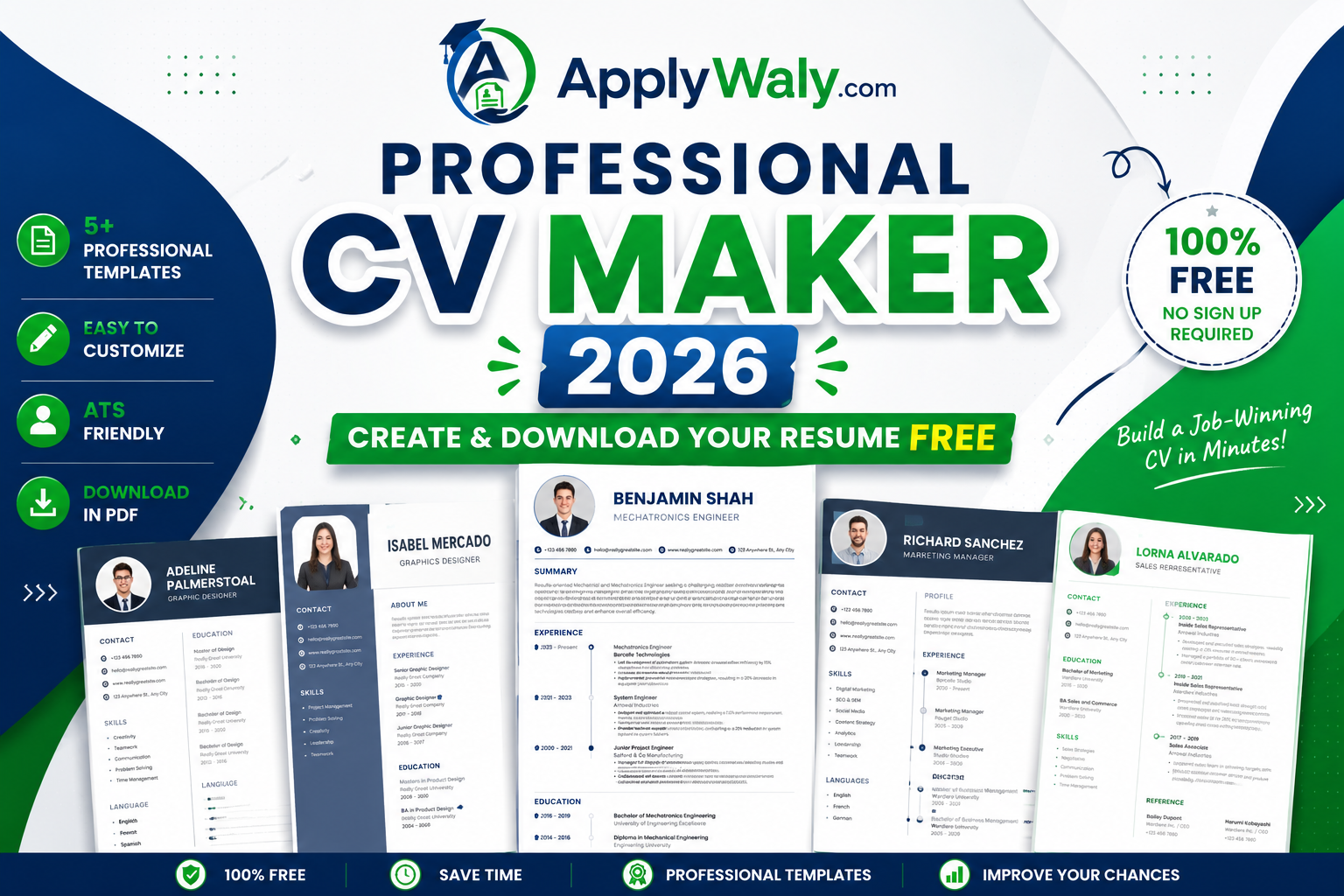
With the ApplyWaly Professional CV Maker 2026, you can create a modern, professional, and ATS-friendly resume in just a few minutes. There is no need to install software or hire a designer. Simply choose a template, fill in your information, preview your CV, and download it as a high-quality PDF.
Why Use Our Professional CV Maker?
Our online CV Maker is designed for students, fresh graduates, job seekers, professionals, and freelancers who want to build an impressive resume quickly and easily.
Key Features
- Create a professional CV in minutes
- Five modern and clean resume templates
- ATS-friendly resume layouts
- Edit every section with live preview
- Upload your professional photo
- Add unlimited education, work experience, and skills
- Create custom resume sections
- Download your resume as a PDF
- Completely free to use
- Works on mobile, tablet, and desktop devices
How to Create Your Resume
Creating your resume is simple.
- Choose your preferred resume template.
- Enter your personal information.
- Add your education and qualifications.
- Include your work experience and achievements.
- List your technical and soft skills.
- Upload a professional photo if required.
- Preview your resume.
- Download your completed resume as a PDF.
The entire process takes only a few minutes.
Who Can Use This CV Maker?
This resume builder is suitable for:
- Students
- Fresh graduates
- Experienced professionals
- Government job applicants
- Private company job seekers
- Freelancers
- Internship applicants
- Scholarship applicants
Whether you are applying for your first job or looking for better career opportunities, our CV Maker helps you create a professional resume that leaves a strong first impression.
Tips for Creating a Professional Resume
A great resume is more than just listing your qualifications. Keep these tips in mind:
- Use a professional email address.
- Keep your contact information updated.
- Write a short and clear professional summary.
- Highlight your most relevant skills.
- Mention measurable achievements whenever possible.
- Keep your resume clean and easy to read.
- Proofread carefully before downloading your final PDF.
Why an ATS-Friendly Resume Matters
Many companies use Applicant Tracking Systems (ATS) to scan resumes before a recruiter reviews them. An ATS-friendly resume uses a clear layout, readable fonts, and well-organized sections so your information can be processed correctly.
Our templates are designed to improve readability while maintaining a professional appearance.
Frequently Asked Questions
Is the Professional CV Maker free?
Yes. You can create, edit, preview, and download your resume completely free.
Do I need to create an account?
No. You can use the CV Maker without creating an account.
Can I download my resume as a PDF?
Yes. Once you finish editing your resume, simply click the Download PDF button.
Are the templates ATS-friendly?
Yes. Our resume templates are designed with ATS compatibility and professional formatting in mind.
Can I create a resume on my mobile phone?
Absolutely. The CV Maker works smoothly on smartphones, tablets, laptops, and desktop computers.
Create Your Professional Resume Today
A professional resume can make a significant difference in your job search. Instead of spending hours formatting documents, use the ApplyWaly Professional CV Maker 2026 to build a polished, ATS-friendly resume in minutes.
Choose your favorite template, customize every section, and download your professional resume for free. Start creating your CV today and take the next step toward your career goals.